Restoring 100 TB over a 10 GbE link takes 22 hours at full line rate. Over 25 GbE it takes about 9 hours, and over 100 GbE a little over 2. Write the same 100 TB to an Apex X21 Gen4 at its rated 28.5 GB/s and it lands in about 58 minutes. StorageReview measured 23.3 GB/s of 64K sequential write on the X21, which puts the same restore at 72 minutes.
- 1Production serversData to protect
- 2Backup serverRepository in one slot
- 3Apex X21 Gen420-drive RAID 6 plus a hot spare
Time to restore 100 TB (shorter is better)
During an outage, the number that matters is how long the data takes to come back. The card works on either end of that trip. As the backup repository it reads at a rated 30.5 GB/s, and StorageReview measured 27.2 GB/s of 64K sequential read. That makes restore time a bandwidth problem, and bandwidth comes down to two numbers: how fast the storage on each end can move data, and how fast the network between them can carry it.
What 21 drives in one slot buys you
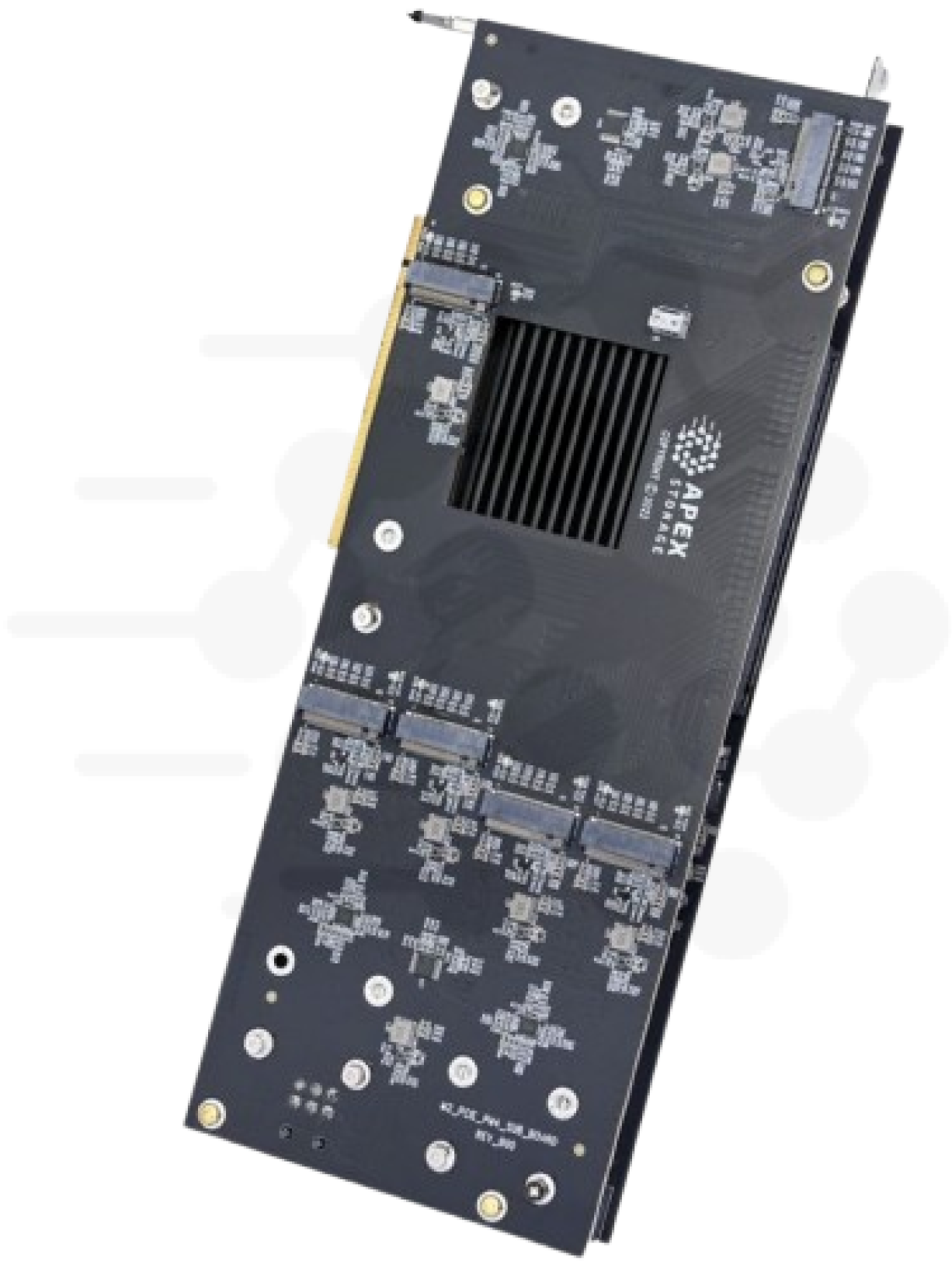
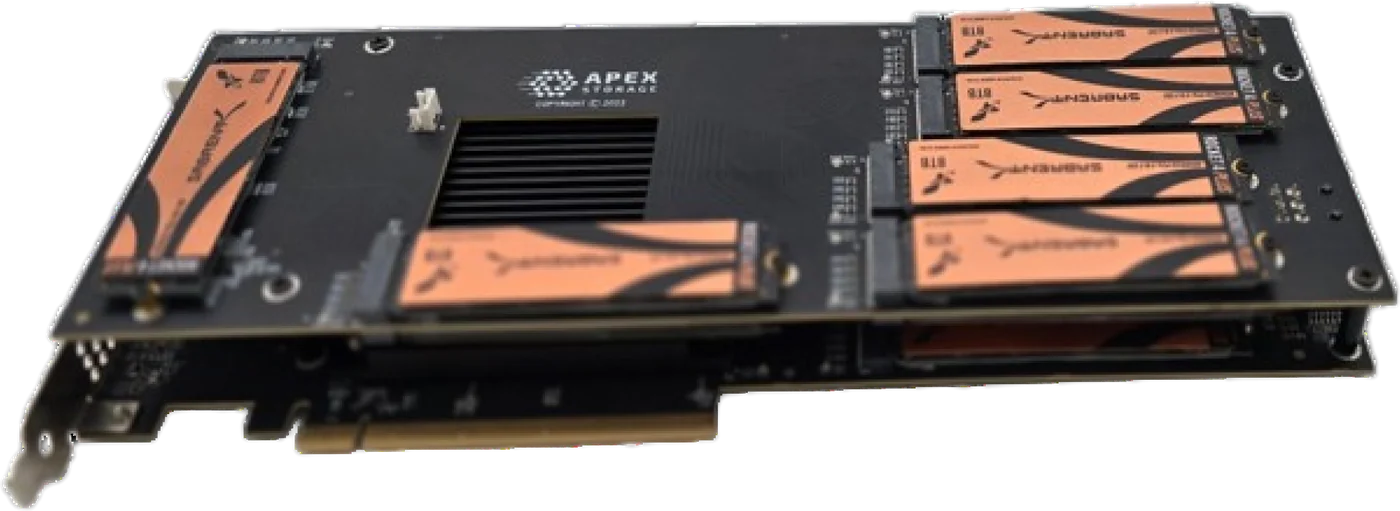
The X21 Gen4 holds 21 M.2 NVMe drives on one card in one PCIe Gen4 x16 slot. With today's 8 TB M.2 drives that is 168 TB raw. The drives mount on the card itself, so there are no cables, no backplane and no drive bays to buy. The card has a PCIe switch on board, so the slot does not need bifurcation support, and the drives show up to the operating system as ordinary NVMe devices. You can put it in a server you already own instead of buying a storage chassis for its bays.
Twenty-one drives is also enough to build a sensible protected array. Put 20 drives in RAID 6 and keep the 21st as a hot spare. RAID 6 spends two drives' worth of capacity on parity, which leaves 18 x 8 TB, or 144 TB usable before the filesystem takes its share. The array survives two drive failures, and the spare starts rebuilding the moment one fails, without anyone driving to the site with a replacement.
RAID is your choice. The card does not impose a RAID layer. We have run Linux mdadm and a hardware NVMe RAID card against the same drives, and which one wins depends on the host CPU. The details are in software or hardware RAID for NVMe. Parity RAID costs write speed, and StorageReview's review does not report a RAID 6 write figure. We have not measured RAID 6 sequential writes on the X21, so test your own array before you promise anyone a restore time.
The network sets the backup window and the restore window
A backup window is the time a full copy needs to cross the network. A restore window is the same trip in reverse, usually with someone waiting. Here are Ethernet line rates against the card's rated write speed:
| Link | Line rate | X21 Gen4 rated write vs. link |
|---|---|---|
| 10 GbE | 1.25 GB/s | 22.8x faster |
| 25 GbE | 3.125 GB/s | 9.1x faster |
| 100 GbE | 12.5 GB/s | 2.3x faster |
Filling the whole 144 TB RAID 6 array over 10 GbE takes 32 hours at line rate. Over 25 GbE it takes about 13 hours, and over 100 GbE about 3 hours and 12 minutes. Real transfers run below line rate, so treat these as best cases.
On 10 or 25 GbE the card is nowhere near the bottleneck. It writes 9 to 23 times faster than those links can deliver. On 100 GbE it still has more than twice the headroom. For a backup target on these links, Gen4 is all you need. A PCIe Gen4 x16 slot carries about 31.5 GB/s in each direction, more than one 200 GbE link at 25 GB/s. A Gen5 card in a Gen4 slot links at Gen4 anyway, so a Gen4 backup server gains nothing from a Gen5 card.
The X21 Gen4 also runs in open-ended x8 slots. A Gen4 x8 link carries about 15.75 GB/s, half the x16 rate and still more than a 100 GbE link. The card works on PCIe Gen3 platforms too, which describes a lot of servers that end up doing backup duty.
Request Multi-Unit Quote for X21 Gen4 or X16 Gen4 backup targets.
Encrypt backup data without losing the speed
Backup data is a full copy of everything you care about, so it should be encrypted at rest. We measured two ways to do it on our Gen5 card test bench, with eight-drive volumes on Apex X16 Gen5 cards. Those numbers show host behavior. They are not Gen4 card measurements.
Self-encrypting drives that support TCG Opal ran at 98 to 111 percent of unencrypted performance on every RAID level we tested with eight drives. The encryption happens inside each drive, so the host CPU does no extra work.
On our Xeon workstation, Linux LUKS opened with default settings capped 4K random reads at about 0.77 million IOPS, no matter how many drives we added. Opening the volume with cryptsetup open --perf-no_read_workqueue --perf-no_write_workqueue raised that to 4.92 million IOPS, against 5.57 million unencrypted. Backup traffic is mostly sequential, though, and the read flag can hurt sequential reads. On our Threadripper workstation, run with spec_rstack_overflow=off, the read flag cut 256K sequential reads on an eight-drive RAID 0 volume from 43 GB/s to 5.7 GB/s. A restore reads the repository sequentially, so test both flags against your restore pattern before you keep them. The full results are in encrypting an NVMe array without losing it.
What we did not test
This page covers the storage underneath a backup system. We have not tested any backup software on these cards, and we have not tested deduplication, compression or immutability settings. Your backup software's own throughput may set a lower limit than the card or the network. Measure it on your data.
Both Gen4 cards are in stock
The X21 Gen4 and the X16 Gen4 are in stock and ready to ship. The X16 Gen4 is the 16-drive option. It holds 128 TB raw with 8 TB drives, and with 15 drives in RAID 6 plus one hot spare that gives 104 TB usable. Both run on Windows, Windows Server and Linux, on AMD, Intel and ARM-based systems. Tell us your dataset size, network speed and restore target, and we will size the card count with you.
Request Multi-Unit Quote · Apex X21 Gen4 product page · Apex X16 Gen4
Related: