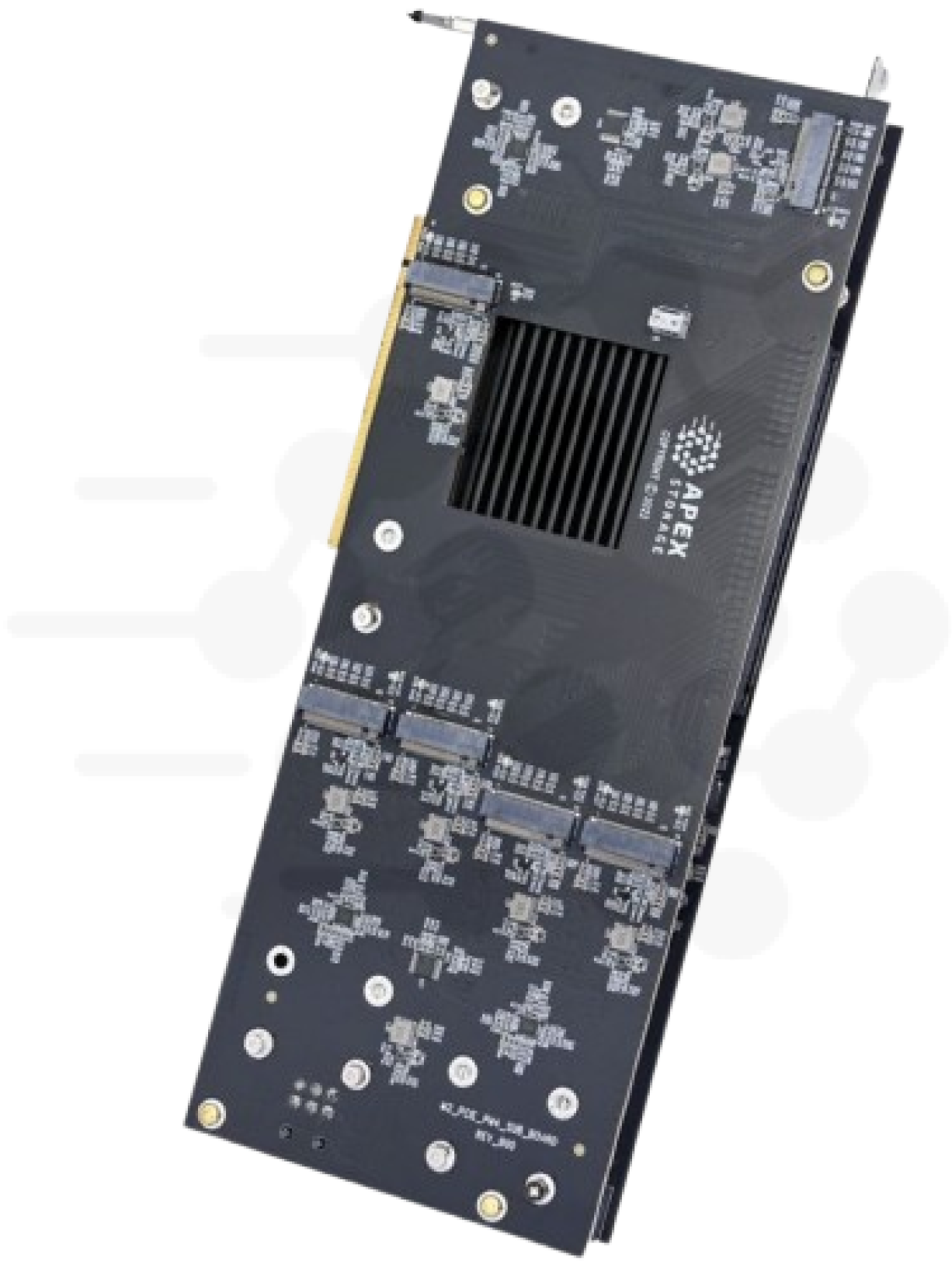
Picture the server in your rack that you are not allowed to replace yet. It has two sockets, plenty of RAM, a couple of SATA bays holding the operating system, and an empty PCIe x16 slot. The workload on it has outgrown spinning disks or a pair of small SSDs. The standard answer is a new chassis with a row of NVMe bays, and that buys you a motherboard, CPUs, memory and a migration you did not need.
- 1Existing serverGen4 or Gen3, one empty x16 slot
- 2Apex X16 Gen416 M.2 NVMe drives, no bifurcation
- 3Plain NVMe devicesmdadm, ZFS or hardware RAID
The cheaper answer is one card. The Apex X16 Gen4 goes into that x16 slot and carries 16 M.2 NVMe drives. With today's 8 TB M.2 drives that is 128 TB of flash in a machine you already paid for.
Why one slot can hold 16 drives
Most machines in service were not built around NVMe. Adding NVMe bays to one means a backplane, cables and a controller to drive them, and the chassis has to have room for all of it.
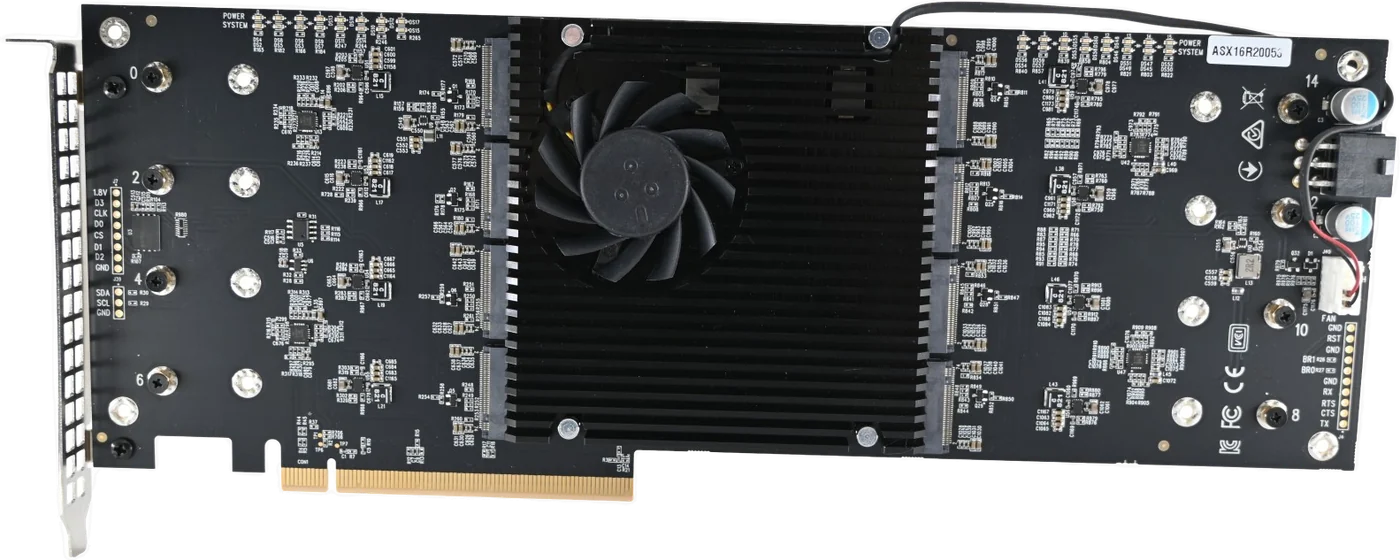
The X16 Gen4 skips that whole chain. The drives are bare M.2 modules mounted on the card, so there are no bays, no backplane and no cables. The card is built around a Microchip Switchtec Gen4 PCIe switch, and that matters for older hosts. A passive M.2 carrier needs the motherboard to split one x16 slot into four x4 links, a BIOS feature called bifurcation that not every board offers on every slot. A switch presents a single x16 link to the host and fans it out to the drives behind it. The slot needs no bifurcation support, and all 16 drives show up to the OS as ordinary NVMe devices with no special driver in the data path.
That also leaves the RAID decision with you. Linux mdadm, ZFS, Windows Storage Spaces or a hardware NVMe RAID card all see the same 16 drives.
What the slot can carry
The X16 Gen4 is rated at 30.5 GB/s read and 28.5 GB/s write on its spec table. A PCIe Gen4 x16 link carries about 31.5 GB/s per direction, per the PCI Express rate table on Wikipedia, so the card's read rating sits just under what a Gen4 x16 slot can move. To put that in network terms, 200 GbE at line rate is 25 GB/s, and one card exceeds it.
Plenty of hosts still in service have Gen4 slots or older. On the AMD side, first-generation EPYC 7001 servers have PCIe 3.0 lanes, and the EPYC 7002 series (Rome, 2019) introduced PCIe 4.0 (Wikipedia). On the Intel side, the Ice Lake-SP Xeon Scalable processors launched on April 6, 2021 with PCIe 4.0 (Wikipedia).
The card is backward compatible with Gen3 platforms, and it also runs in open-ended x8 and x4 slots at reduced link width. The arithmetic from the same rate table sets your expectations. A Gen3 x16 slot carries about 15.8 GB/s per direction, and so does a Gen4 x8 slot. A Gen4 x4 slot carries about 7.9 GB/s. In any of those slots you still get all 16 drives and all the capacity. The sequential ceiling drops to what the link carries.
A Gen5 card in a Gen4 slot links at Gen4. If your host tops out at Gen4, the Gen4 card is the one that fits it.
Request Multi-Unit Quote if you are planning this across a fleet of existing servers.
What to check before you order
Slot wiring. A slot that is physically x16 can be wired x8 or x4, and the card trains at whatever the slot provides. Check what your host actually negotiates once the card is in:
sudo lspci -vv -s <bus:dev.fn> | grep -E "LnkCap|LnkSta"LnkCap is what the port can do and LnkSta is what it trained at. Compare speed and width. Your motherboard manual will also say which slots run from the CPU at full width.
Power. The card draws about 95 W typical when active and takes two 6-pin PCIe 12 V connectors. Confirm your power supply has two free leads before you order.
Airflow. The X16 Gen4 needs at least 7.86 CFM across it. M.2 drives with no air moving over them get hot and slow down to protect themselves. Our own cooling notes are in the Gen5 cooling post, and the same physics applies at Gen4.
CPU threads. Small random I/O costs CPU on every request. In our lab, with Gen5 drives, getting a single drive to about 70 percent of its rated random-read IOPS took about 8 fio threads. Sixteen drives at that rate want more threads than many workstations have. Count yours.
What to expect from the host
For large sequential transfers the slot is usually the limit. For 4K random I/O the host usually runs out first.
I have two reference points. In our 2026 lab, on a Xeon workstation with 20 cores and 40 threads, the stock interrupt-driven Linux NVMe driver topped out at 6.5 million 4K random read IOPS and stayed flat from 8 drives to 32. The limit was the host's interrupt completion path. Those numbers came from our Gen5 cards and Gen5 drives, so they describe the host, not the Gen4 card. We have not run that benchmark campaign on the Gen4 cards.
The second point is StorageReview's review of the X21 Gen4. On a 16-core AMD Ryzen 9 7950X desktop with 21 Samsung 980 Pro drives, StorageReview measured 6.832 million 4K random read IOPS (28 GB/s) with fio, which they chose for its io_uring support. The reviewer also noted that their Intel consumer system ran the card at x8 instead of x16, with no BIOS option to set the width, and that the processor in their rig began to choke in the multi-million IOPS tests. That is the same lesson we found: check the slot wiring, and expect the CPU to set the small-I/O ceiling.
Both results are in the same range. For many existing hosts, a Gen4 card full of Gen4 drives already delivers more small-block IOPS than the host can consume. The workstation and slot post covers the host-side checks in more detail.
If 16 drives is not enough
The Apex X21 Gen4 takes 21 M.2 drives in the same single x16 slot, 168 TB with 8 TB drives, with the same 30.5 GB/s read rating, power connectors and slot compatibility. It needs at least 9.86 CFM of airflow. See the X21 Gen4 product page.
Both Gen4 cards are in stock and ready to ship. The product pages list Windows, Windows Server and Linux support on AMD, Intel and ARM-based systems. Every server is wired differently, so run the slot, power and airflow checks above on yours before you order.
Product page: Apex X16 Gen4
Related:
- NAS and SAN NVMe arrays
- Database acceleration
- Software or hardware RAID for NVMe